
Backlog
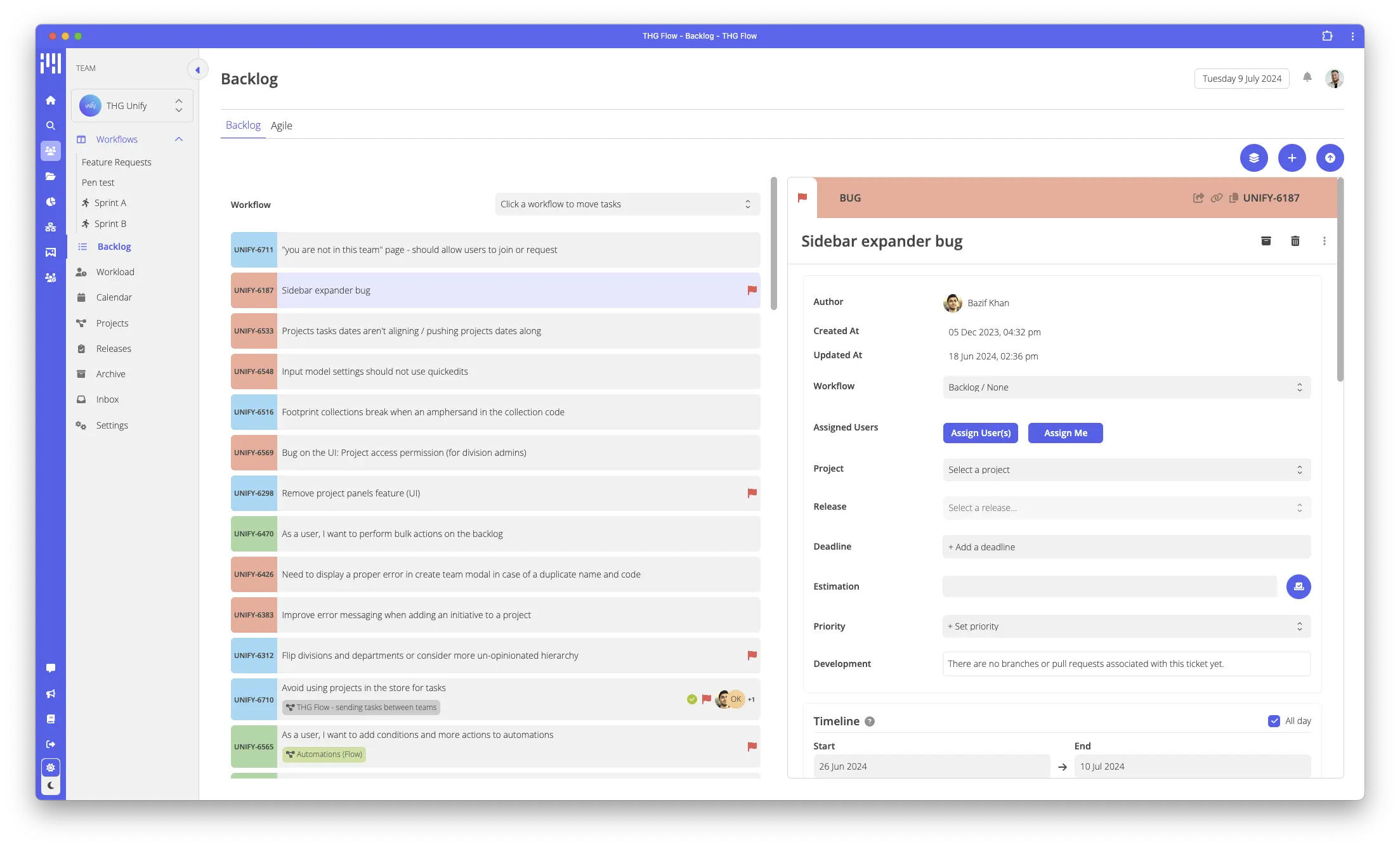
The backlog provides a home for any tasks in Flow that aren’t on a workflow.
We see the backlog a bit like a todo list, enabling teams to keep hold of items that are yet to be worked on.
It can be prioritised, keeping you and your team aware of the next upcoming work items.
Agile View
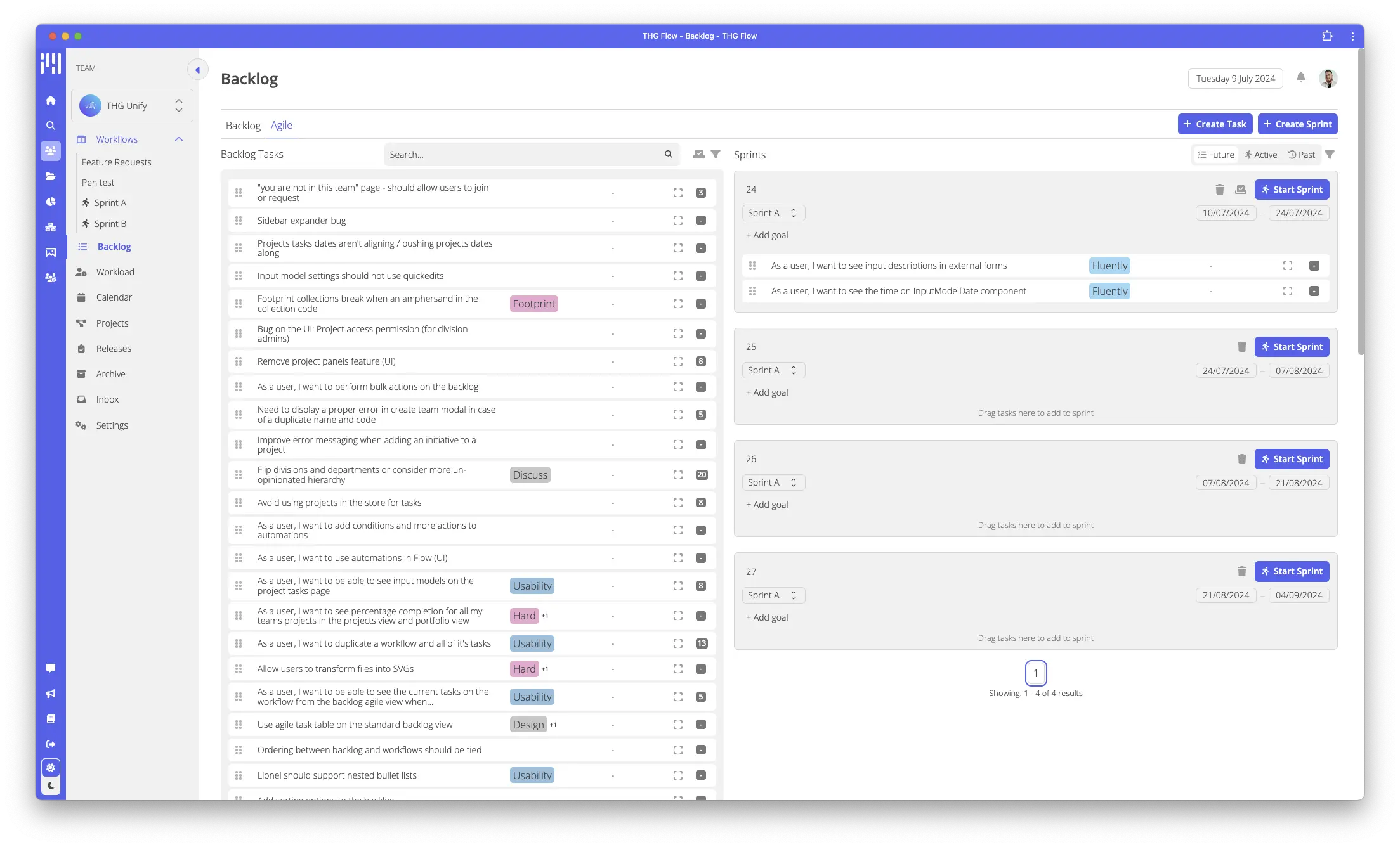
An alternative way to view the backlog is to use the Agile view, this will be visible if your team’s type is set to “Tech”. (this can be changed in your team settings in the “team” tab)
In this view, we show the backlog next to a list of upcoming sprints, allowing teams that work in Agile to quickly plan their sprints out, maintaining an awareness of how many estimation points are in each.