Projects
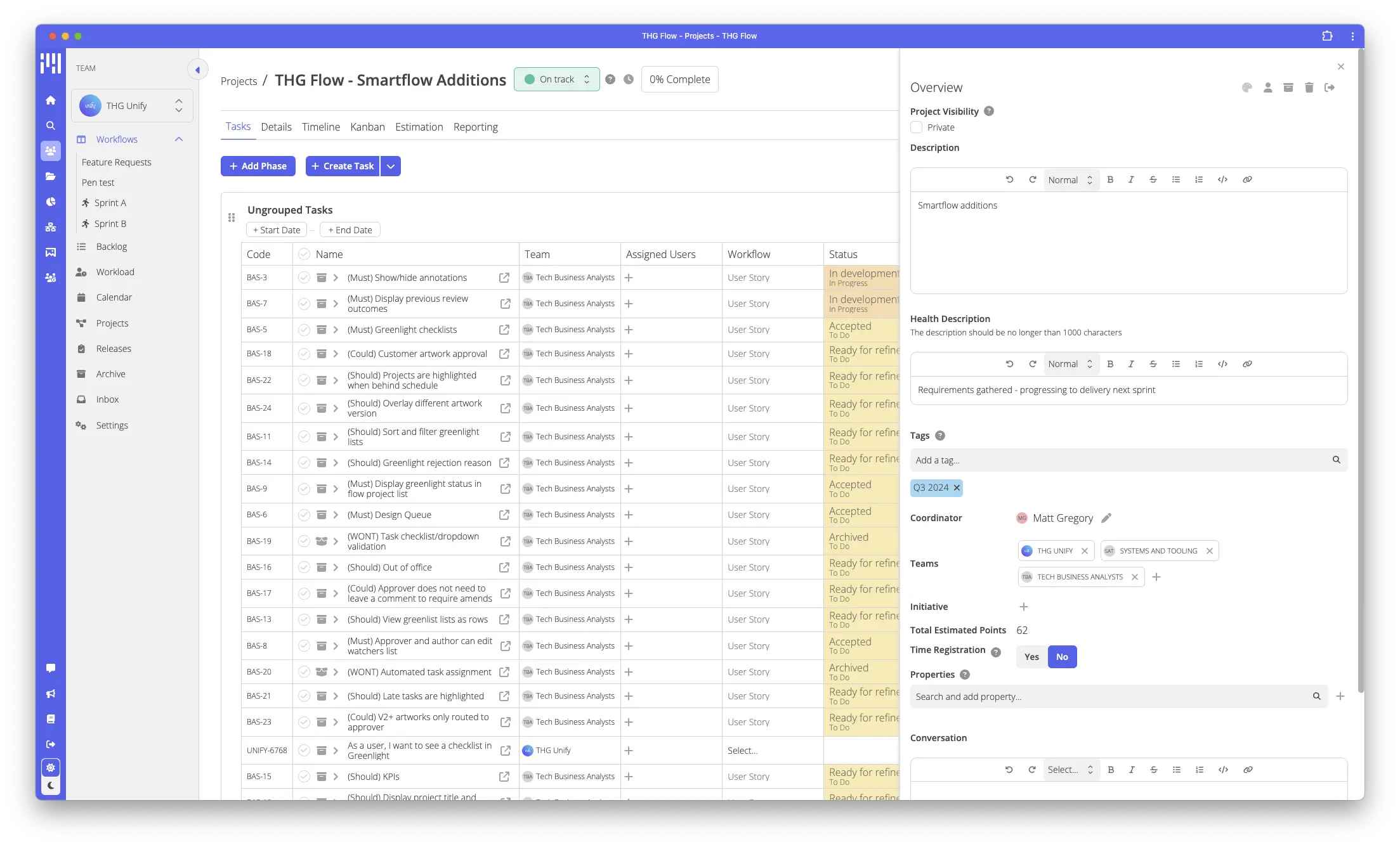
Projects provide a grouping for a collection of tasks that contribute to a common deliverable or goal.
Consider a project of “build a house”, you may have tasks within it of “lay foundations”, “build walls” and “install roof”. You’ll want to add details and track each of these tasks but you may also want to track how the overall house build is progressing. Projects are a perfect fit for this.
Projects can optionally have phases, these can be used further group tasks that should occur at different stages of the project. Given the analogy of building a house, you may have a phase for the “building work” and a separate phase for “decorating”. Phases can be beneficial to give a high level plan of what’s required to deliver a project, without needing to go as granular as individual tasks.
It’s possible that as an organisation, many projects may be related to a common goal. In Flow, we can use an “initiative” to group these related projects. Initiatives are useful for high level reporting on cross organisational objectives.
Permissions and ownership
| Concept | Ownership | Permissions |
| Initiative | Organisation wide | Anyone within the organisation can update it’s contents, all changes are tracked |
| Project | Can be owned by one or more teams | Permissions are granted on a per team basis, teams can be set as “owner”, “collaborator” or “watcher” |
| Phase | Belong to the project | Anyone that can update the project (“owner” or “collaborator”) teams can make changes |
Estimation
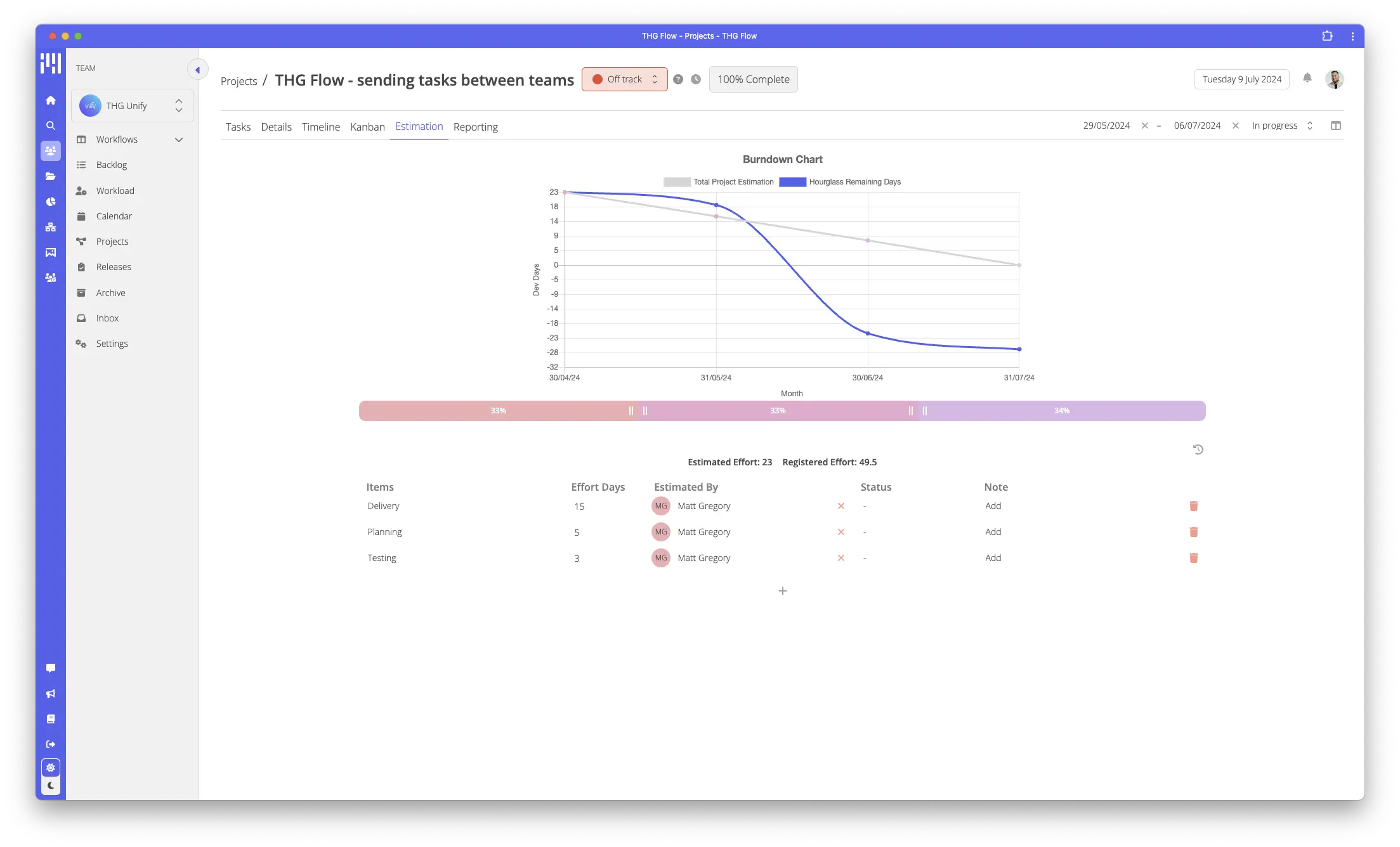
Flow allows you to enter high level estimation items into a project and set an estimated amount of effort days required to complete each item.
As the project progresses, Flow can use data from Hourglass to compare actual utilisation against expected utilisation. For this to work, it’s expected that those working on the project are registering their time accurately.
All changes to items are tracked and are visible by anyone with access to the project.
Reporting
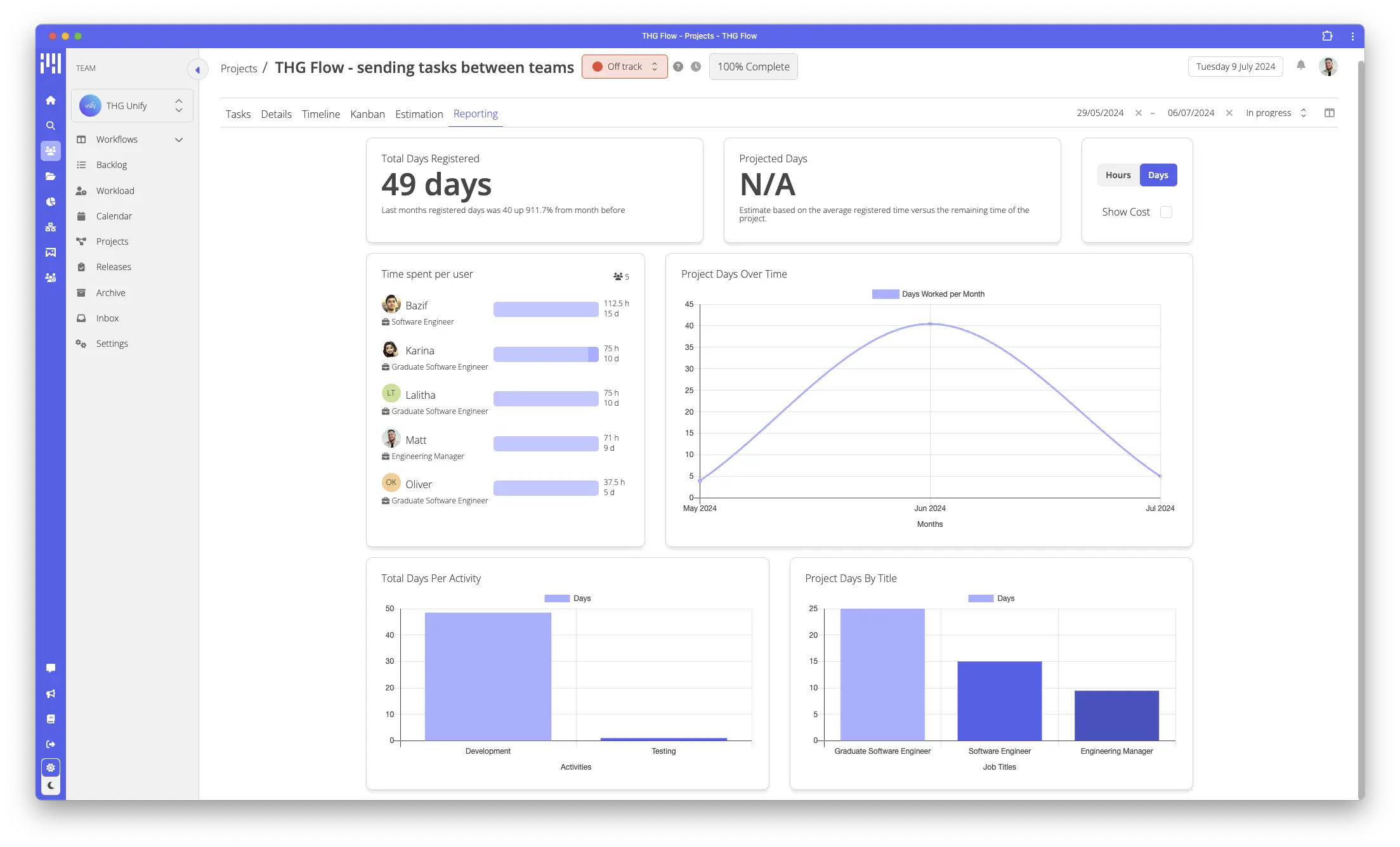
THG Flow can show reports of projects based on the time that has been registered against it.
Some users of your organisation can be granted the finance read permission which will enable them to see an estimated cost of the project based off the average wage per hour for each job title involved. Speak to your organisation admin to enable this.
Task Collections
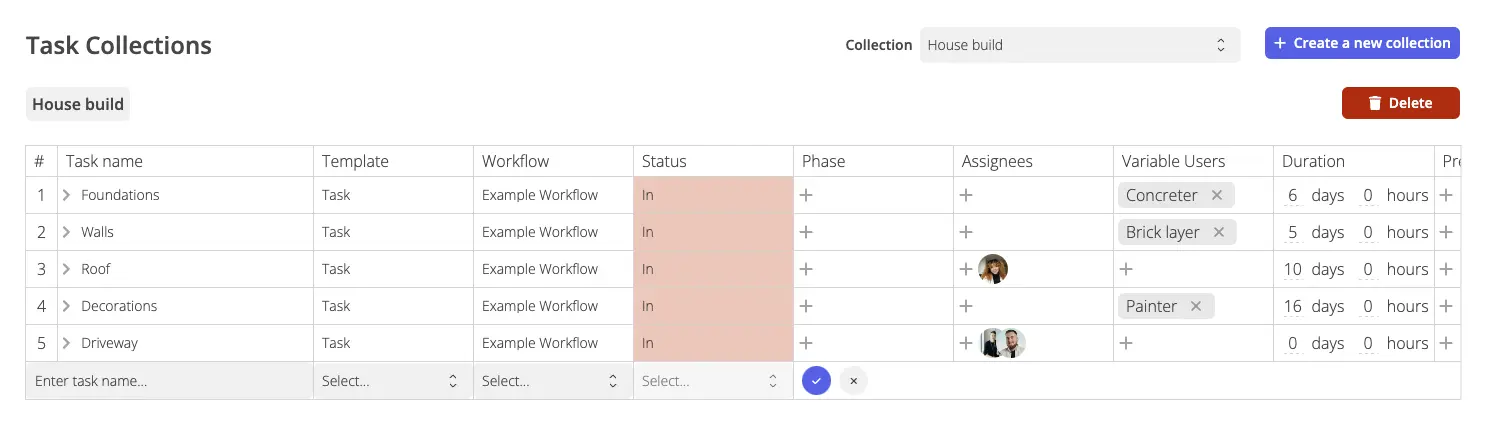
A task collection lets you define a set of tasks that can be re-used within projects.
Considering our example of building a house, it’s likely that most house build projects will follow a similar sort of pattern where you need to complete several tasks. This list of tasks might be quite long and it’s important that all steps and tasks are completed.
If you are in a team that builds a lot of houses, it’s going to take a lot of time typing out all these tasks, it’s possible you may miss critical stages too.
To boost efficiency in your team, you may use a task collection to define the steps required to build a house. For each new house building project, you can use the task collection to instantly add the required tasks, without lots of effort and without the risk of missing something crucial.
You can define a task collection within your Team’s settings, the following fields are available for each task.
| Field | Description |
| Name * | name of the task |
| Template * | which template the task should use |
| Workflow * | |
| Status * | |
| Phase | If a phase doesn’t exist, Flow will create it for you, if it exists, the task will be added to it |
| Assignees | Assigned users that you know will be working on each task |
| Variable Users | Allow you to define a placeholder for a certain role, E.G Project manager. This can be substituted for the actual assigned user at the point of a project creation |
| Duration | How long this task is expected to take (days) |
| Predecessors | Which tasks does this task depend on before it can be done |
| Links | Other tasks this task is linked with |
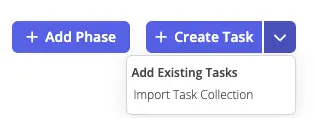
Use a task collection by clicking the arrow next to create task within the project tasks view